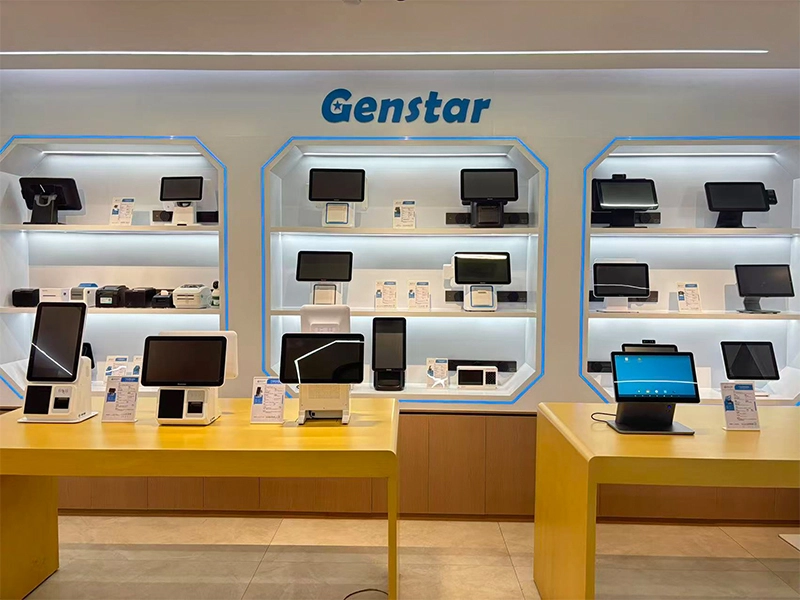
Choosing the right point-of-sale hardware can help retailers simplify checkout, manage transactions, and create a smoother customer experience. In 2026, Android POS terminals come in different configurations, from fixed countertop stations to portable payment devices. However, the right choice depends on the business’s operating environment, software requirements, peripheral needs, and budget. This guide explains the key factors to consider, compares common POS terminal options, and highlights how customizable hardware can support different retail workflows.
1. What to Look for in an Android POS Terminal
Before purchasing a terminal, businesses should assess how it will be used every day. A busy convenience store may need fast barcode scanning and receipt printing, while a boutique may prioritize a clean counter layout and a customer-facing display. Therefore, evaluating hardware against actual checkout tasks is more useful than selecting a device based on appearance alone.
Key factors to consider include:
- Processing performance: Check that the processor, memory, and storage can handle the POS software and expected workload.
- Screen configuration: Decide whether a single display is sufficient or a dual-screen setup would improve customer interaction.
- Peripheral compatibility: Confirm support for the required barcode scanners, receipt printers, payment devices, cash drawers, and network connections.
- Operating system and software: Verify that the selected operating system is compatible with your POS application and receives appropriate support.
- Build quality and design: Consider the available counter space, daily usage, cleaning requirements, and the overall appearance of the checkout area.
- Customization and after-sales support: For multi-store deployments, confirm configuration options, warranty terms, replacement procedures, and technical support.
In addition, payment security and compliance must be evaluated for the payment devices and processing solution involved. A countertop POS terminal does not automatically provide certified card-payment functionality simply because it runs Android.
2. Android POS Terminal Options to Compare in 2026
There is no single model that fits every business. Instead, buyers should compare terminal types according to their intended role, from fixed checkout stations to handheld devices and dedicated payment terminals. The following examples represent different hardware categories; availability, specifications, and configurations should be confirmed with each manufacturer or authorized distributor.
1. GENSTAR S3 — Customizable Countertop POS
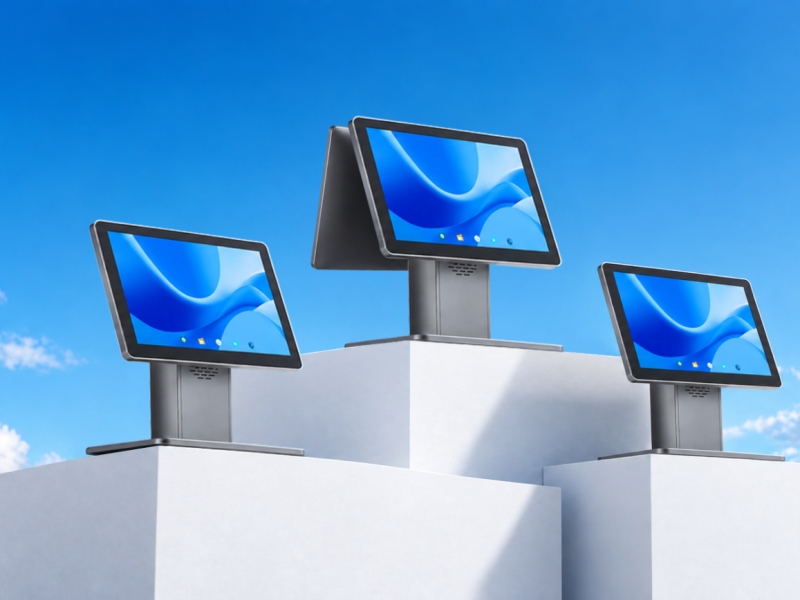
The GENSTAR S3 features a minimalist body design, a metallic aluminum-alloy exterior, and customizable single- or dual-screen configurations. This design allows businesses to consider different checkout layouts according to counter space and customer interaction needs. It is worth evaluating for retailers seeking a modern countertop terminal with configuration flexibility.
2. GENSTAR G2 — Flexible Checkout Configuration
The GENSTAR G2 offers configurable screen arrangements and optional built-in 58mm or 80mm thermal printing with an auto cutter in supported configurations. Consequently, it may suit businesses that want to assess an integrated printing setup alongside their checkout hardware. Buyers should confirm the exact screen, operating system, and printer configuration before ordering.
3. Android POS Terminal Comparison Table
Use the table below as an initial shortlist rather than a universal ranking. The most suitable option depends on whether the business needs a fixed countertop station, integrated printing, or a dedicated payment device.
|
Terminal |
General format |
Notable consideration |
Potential use case |
|
GENSTAR S3 |
Countertop POS |
Aluminum-alloy body; customizable single or dual screens |
Retail counters and configurable checkout projects |
|
GENSTAR G2 |
Countertop POS |
Customizable screen setup; optional 58mm/80mm thermal printer |
Retail and service counters requiring receipt printing |
|
SUNMI D3 Family |
Desktop POS |
15.6-inch FHD display; optional 80mm printer |
Retail and food-service checkout |
|
SUNMI T3 Pro Family |
Desktop POS |
Compare available processor, screen, and peripheral options |
Dedicated checkout stations |
|
SUNMI P3 Family |
Payment-focused terminal |
Model-specific payment and scanning options |
Payment and mobile checkout workflows |
Before finalizing a purchase, request the current datasheet for the exact model. This helps prevent confusion between features available across a product family and features included in a particular configuration.
4. How to Match a Terminal to Your Business
Different industries have different checkout priorities. Rather than choosing a terminal solely because it appears on a popular product list, match its features to the actual work employees perform.
- Convenience stores and supermarkets: Prioritize barcode scanning, inventory-system compatibility, receipt printing, and peripheral connections.
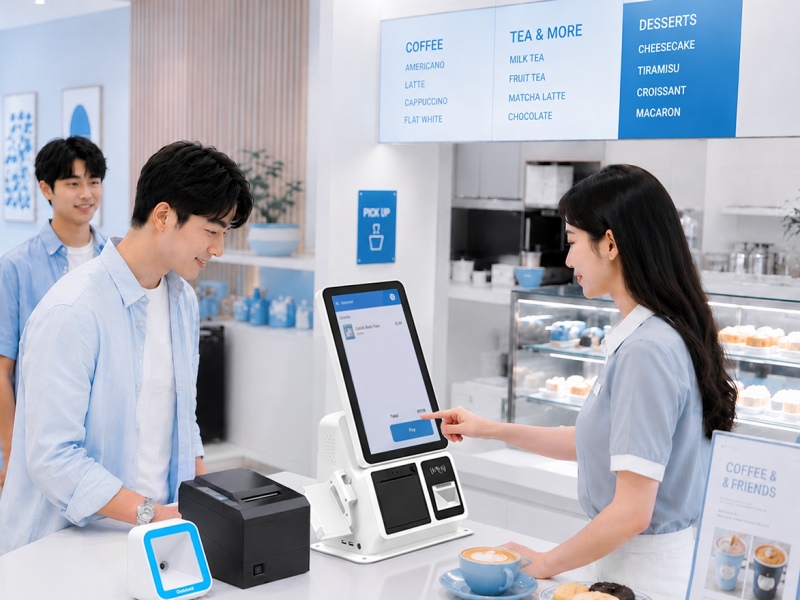
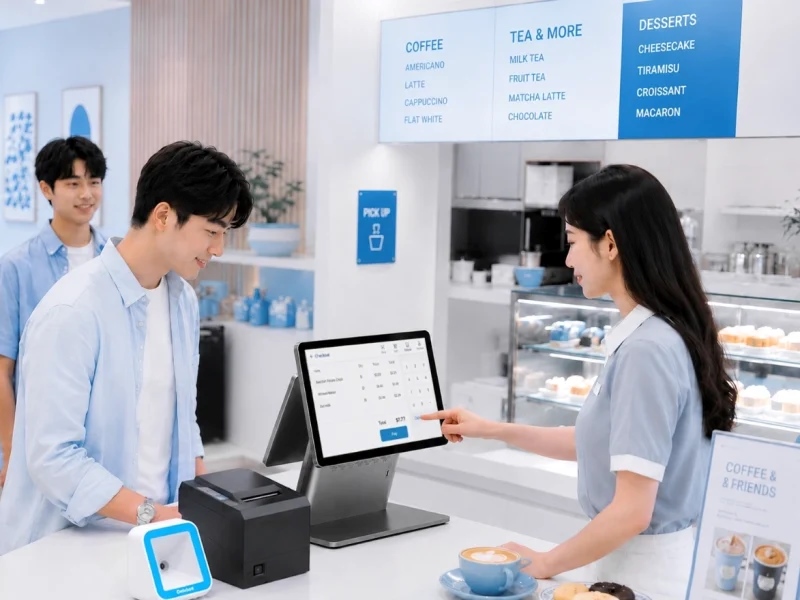
- Restaurants and cafés: Consider order-entry workflows, kitchen-printing compatibility, counter space, and whether a customer-facing display would be useful.
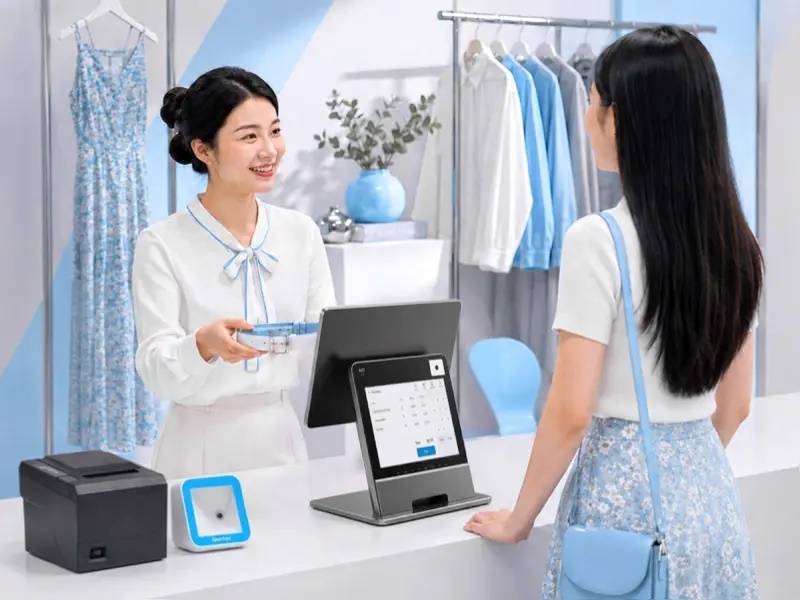
- Boutiques and specialty retail: A clean design and flexible screen configuration may support a more organized checkout area.
- Multi-location retail chains: Focus on standardized hardware configurations, software compatibility, deployment planning, warranty coverage, and replacement availability.
- Payment-focused or mobile operations: Consider a dedicated payment terminal when portability and certified payment functions are central requirements.
For example, the GENSTAR S3’s customizable screen options can be evaluated by retailers deciding between a cashier-facing display and a configuration that also supports customer interaction. Nevertheless, the final choice should be based on the complete system setup, not the screen arrangement alone.
5. Purchasing Checklist for B2B Buyers
Before placing an order, confirm the technical and commercial details with the supplier. This is especially important when purchasing hardware for several stores or integrating the terminals with existing business software.
- Confirm the exact model, processor, memory, storage, and operating system.
- Verify POS software compatibility and required peripheral connections.
- Confirm whether the printer, scanner, card reader, or customer display is included or optional.
- Check applicable payment certifications if card acceptance is part of the device configuration.
- Request information about customization, branding, sample availability, and minimum order quantities.
- Clarify warranty coverage, technical support, lead times, and spare-unit availability.
- Test the proposed configuration with the intended software before a large deployment.In addition, ask for a complete quotation that separates the terminal price from optional peripherals, software fees, shipping, and other deployment costs. This makes it easier to compare suppliers consistently.
Conclusion: Choose Hardware Around Your Checkout Workflow
The best Android POS terminal matches your software, checkout process, and long-term operating requirements. Desktop terminals may suit fixed counters, while payment-focused devices can serve more mobile workflows. Meanwhile, configurable models offer businesses more flexibility when planning screen layouts and peripheral connections. By checking specifications, compatibility, customization options, and after-sales support in advance, buyers can make a more informed purchasing decision.
Request a Quote
Looking for POS hardware for retail stores, restaurants, or a multi-location project? Contact Genstar to discuss the GENSTAR S3 and other available POS terminal configurations. Share your preferred screen setup, operating-system requirements, peripheral needs, and estimated order quantity to request a quotation tailored to your project.